The 3-2-1 Backup Rule for Microsoft 365 and Google Workspace
How the classic 3-2-1 rule maps onto cloud mail and files: three copies, two media types, one copy that is not the live tenant — and why SaaS still needs it.

- The vendor’s replica of your tenant is high availability, not an independent copy you control.
- Count copies that you can restore without opening a support ticket: live data is copy one.
- Two media types means the second copy must not share the same blast radius as the laptop sync folder.
- The ‘1’ is offline, immutable, or in a different account — something ransomware and a rogue admin cannot reach in the same hour.
Why a 1960s tape rule still applies to SaaS
The 3-2-1 rule predates Microsoft 365 and Google Workspace: keep three copies of important data, on two different media types, with one copy off-site (or otherwise isolated). Teams drop it because “the data is already in the cloud.” That sentence confuses where the primary lives with how many independent restore points you have.
A mailbox in Exchange Online is one logical copy, even if Microsoft stores it on resilient disks. When a user empties Deleted Items, or a sync client pushes ransomware ciphertext, every replica of that logical copy updates. You still have one copy — a damaged one.
Count copies the way an incident commander would
Ask: If this copy is wrong, where do I get a known-good version without begging a vendor?
| Copy | Typical SaaS example | Survives user delete? |
|---|---|---|
| 1 — live | Exchange / Gmail, OneDrive / Drive | No — this is the thing that changed |
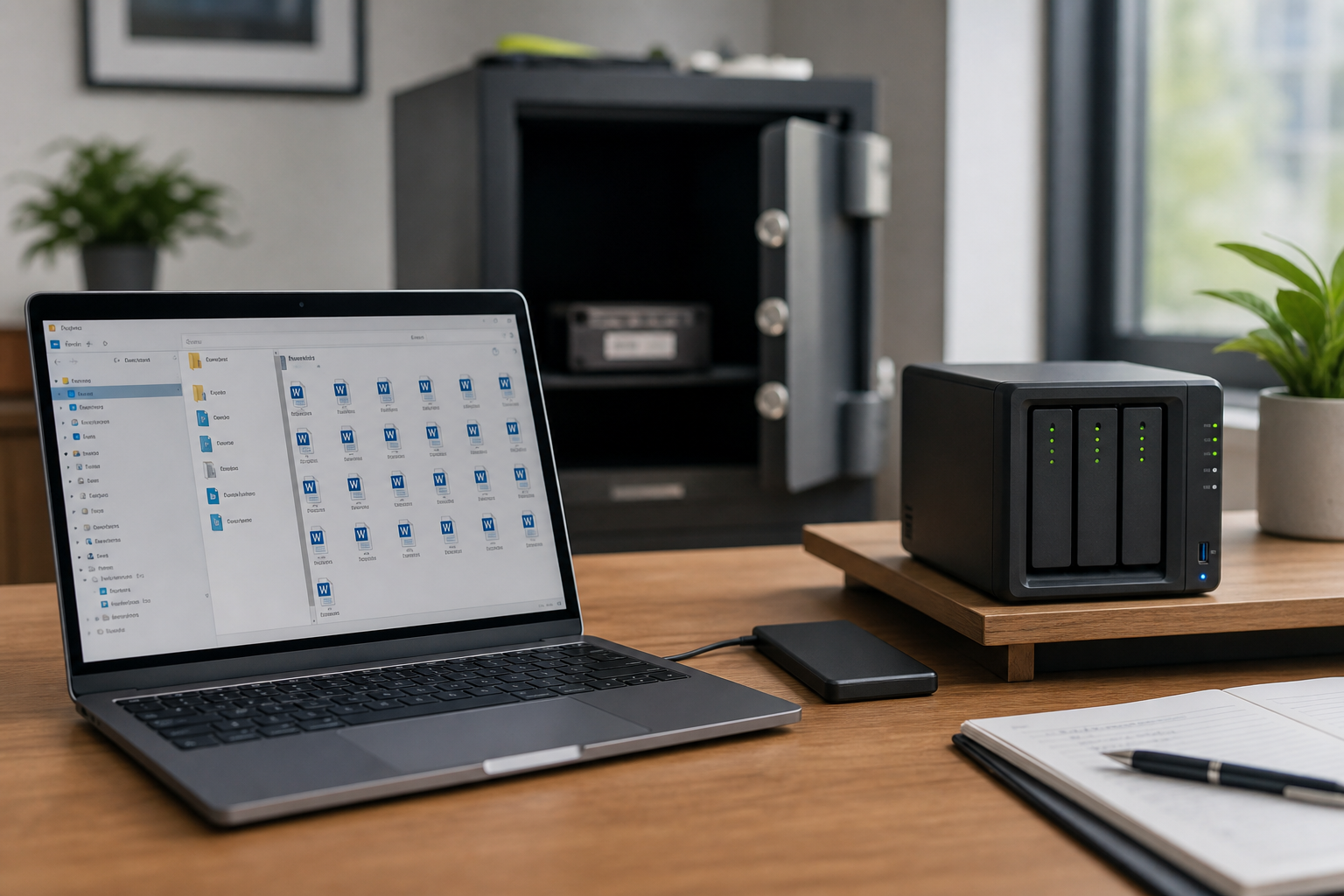
| 2 — second media | NAS snapshot, encrypted USB, local backup set | Yes, if it is not the same sync folder |
| 3 — isolated | Offline disk, immutable object store, different tenancy | Yes, if credentials and network path differ |
Recycle Bin and Trash are time-boxed safety nets on copy 1. They are useful. They are not copy 2.
Two media types in a laptop-and-cloud world
“Two media” used to mean disk plus tape. Today it means: do not let the second copy share the failure domain of the first. A folder that OneDrive or Drive for desktop is watching is still copy 1, even if it sits on an external drive. The second media should be a snapshot, an export, or a backup job that is not live-synced.
Practical pairings that count as two media:
- Cloud tenant + NAS with snapshot schedules (hourly or daily)
- Cloud tenant + encrypted disk that is unplugged after the job
- Cloud tenant + object storage in an account the helpdesk cannot administer
The isolated copy is about people as much as disks
Ransomware, a compromised admin, and a well-meaning “empty trash” during offboarding all attack copy 1 and anything writable with the same token. The isolated copy should fail closed: different credentials, no standing sync, and a restore procedure you have actually timed.
Off-site used to mean a tape in a vault. It can now mean a disk in a fireproof box, or a bucket whose keys live in a password manager only two people can open. Geography still helps (a flood in one office), but identity isolation matters more for cloud incidents.
A small-team 3-2-1 you can actually run
- Inventory: which Shared Drives, SharePoint libraries, and shared mailboxes would stop the business for a week?
- Protect copy 2 on a schedule that matches how often that data changes (daily is a sane default for mail and active files).
- Rotate copy 3 weekly. Label the date. Do not overwrite last week until this week’s restore sample succeeded.
- Once a quarter, restore one mailbox folder and one project folder to a side path and open real files.
If you cannot name the owner of copy 2, you do not have copy 2. Tools without names fail at 2 a.m.
Related reading
Once you can count copies, define how much loss you can tolerate in RPO and RTO in plain language, and keep the vocabulary straight with backup vs archive vs legal hold vs DR.