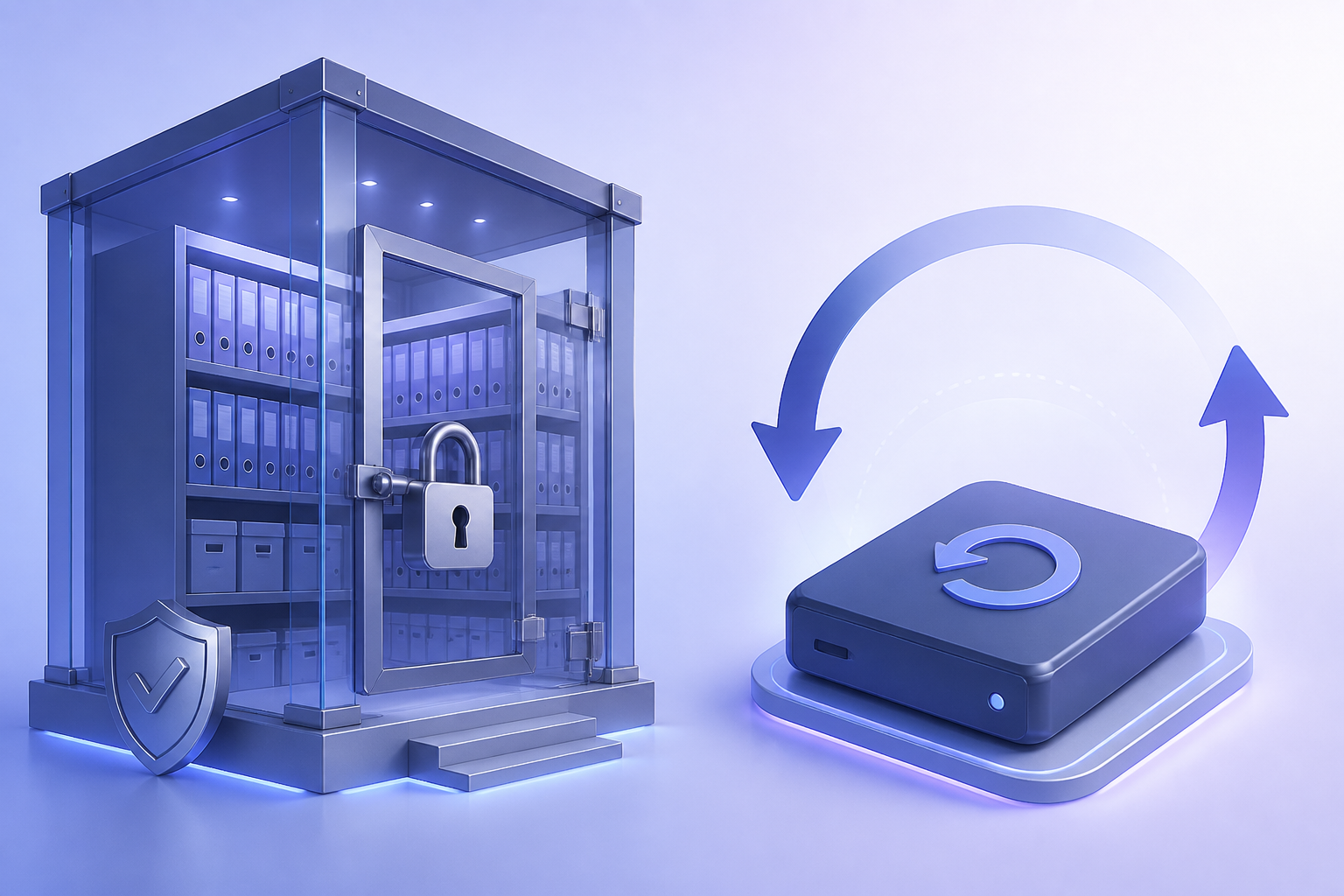
Backup vs Archive vs Legal Hold vs Disaster Recovery
Four words IT and legal mix constantly. What each is for, who owns it, and why using Vault or retention as ‘the backup’ fails the first restore test.

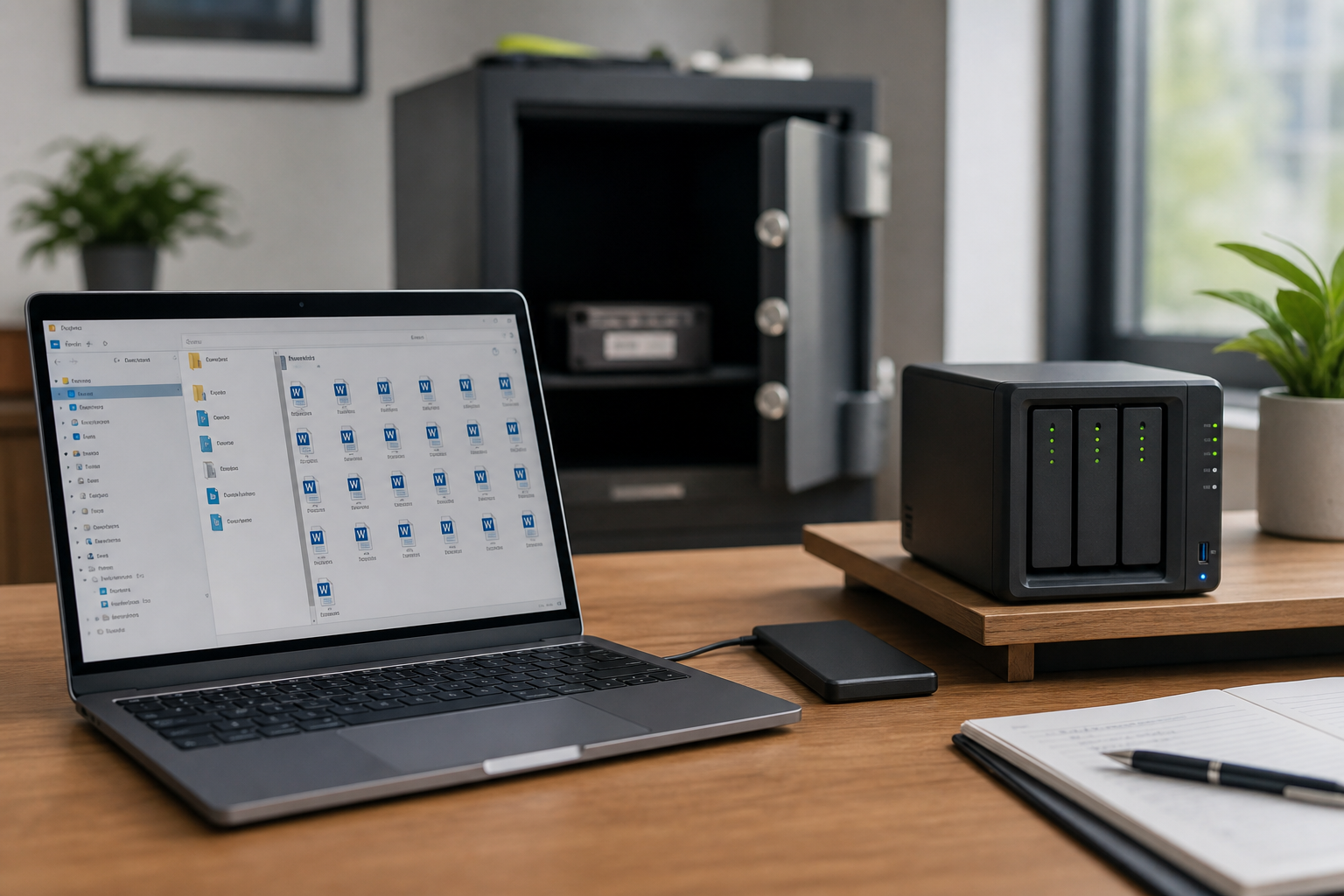
- Backup is for restore by IT on a clock you choose. Archive is for long-term keep and search.
- Legal hold is a preservation duty, not a self-service undelete button for staff.
- Disaster recovery is about the service and workplace surviving; it may restore nothing a user deleted.
- One product can implement more than one of these — you still need to say which job you bought it for.
Why the words matter
When legal says “we have Vault, we’re covered” and IT hears “we can restore last Tuesday’s folder,” both are wrong in different ways. The four terms below are jobs. Tools can perform more than one job. Humans still have to name which job they need at 4 p.m. on a Friday.
Backup
Purpose: return a system or item to a known-good point in time, on an RTO you rehearsed.
Owner: IT operations.
Success test: a restore drill. Not a green job log.
Backups are overwritten on a schedule (with a retention chain). That is a feature: you want last night, not 2014, for most incidents. If you never expire backups, you accidentally built an archive with a backup tool — and a discovery nightmare.
Archive
Purpose: keep data for years because of policy, statute, or “we might need this.” Searchability matters more than speed.
Owner: records / IT together.
Success test: can a designated person find a 2019 thread without restoring an entire mailbox to production?
PST dumps on a file share are a bad archive (unsearchable, duplicative, fragile). Journaling, Vault, Microsoft retention with the right labels, or a dedicated archive store are closer. Archives are usually not the fastest path for “the deck from this morning.”
Legal hold (preservation)
Purpose: stop destruction of potentially relevant data for a matter.
Owner: legal / compliance, executed by IT.
Success test: a custodian cannot empty the items in scope even if they try.
Holds are not self-service restore for the helpdesk. They may make extra copies that a compliance admin can export. They do not replace 3-2-1. Placing a hold after a purge does not rewind the purge.
Disaster recovery
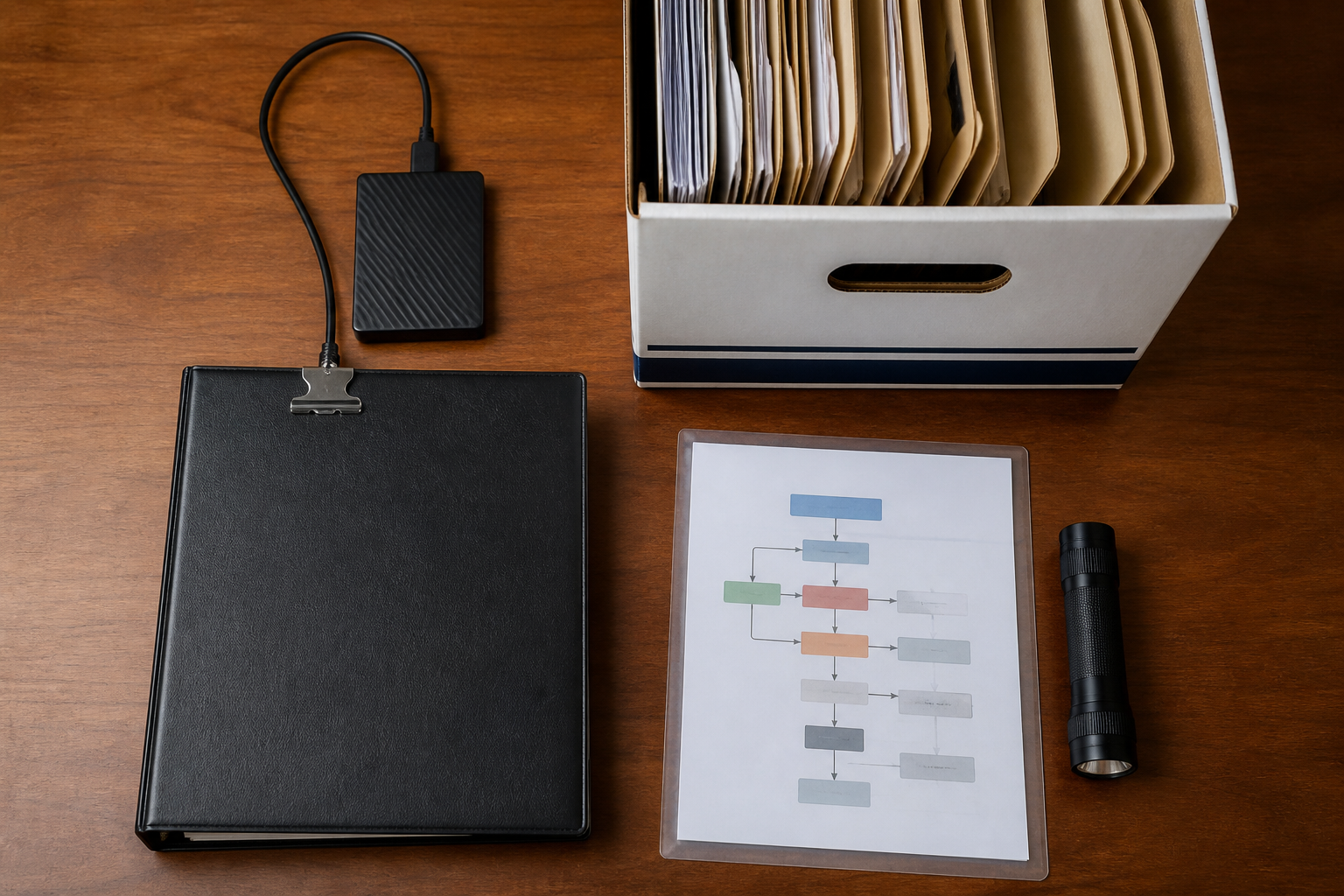
Purpose: continue the business when a site, identity provider, or region fails — alternate workspace, DNS, cold tenant, paper processes.
Owner: business continuity + IT.
Success test: a tabletop where the office is unusable and you still take orders.
Microsoft and Google running a second datacenter is their DR for the service. It will happily replicate a ransomware-encrypted library. DR and backup overlap in conversation and diverge in incidents.
Side by side
| Backup | Archive | Hold | DR | |
|---|---|---|---|---|
| Typical clock | Hours–days | Years | Life of the matter | Hours–days for the workplace |
| User restore? | Yes, by design | Rarely self-serve | No | Indirect |
| Stops user delete? | No | Sometimes | Yes, in scope | No |
Related reading
Product-shaped confusion often starts here: Google Vault is not a backup and Microsoft 365 retention is not a backup. For copy design, use the 3-2-1 rule.