Google Vault Is Not a Backup: What IT Still Needs to Recover
Understand the difference between Google Vault (eDiscovery and retention) and an independent backup you can restore on your own timeline — without a legal hold workflow.

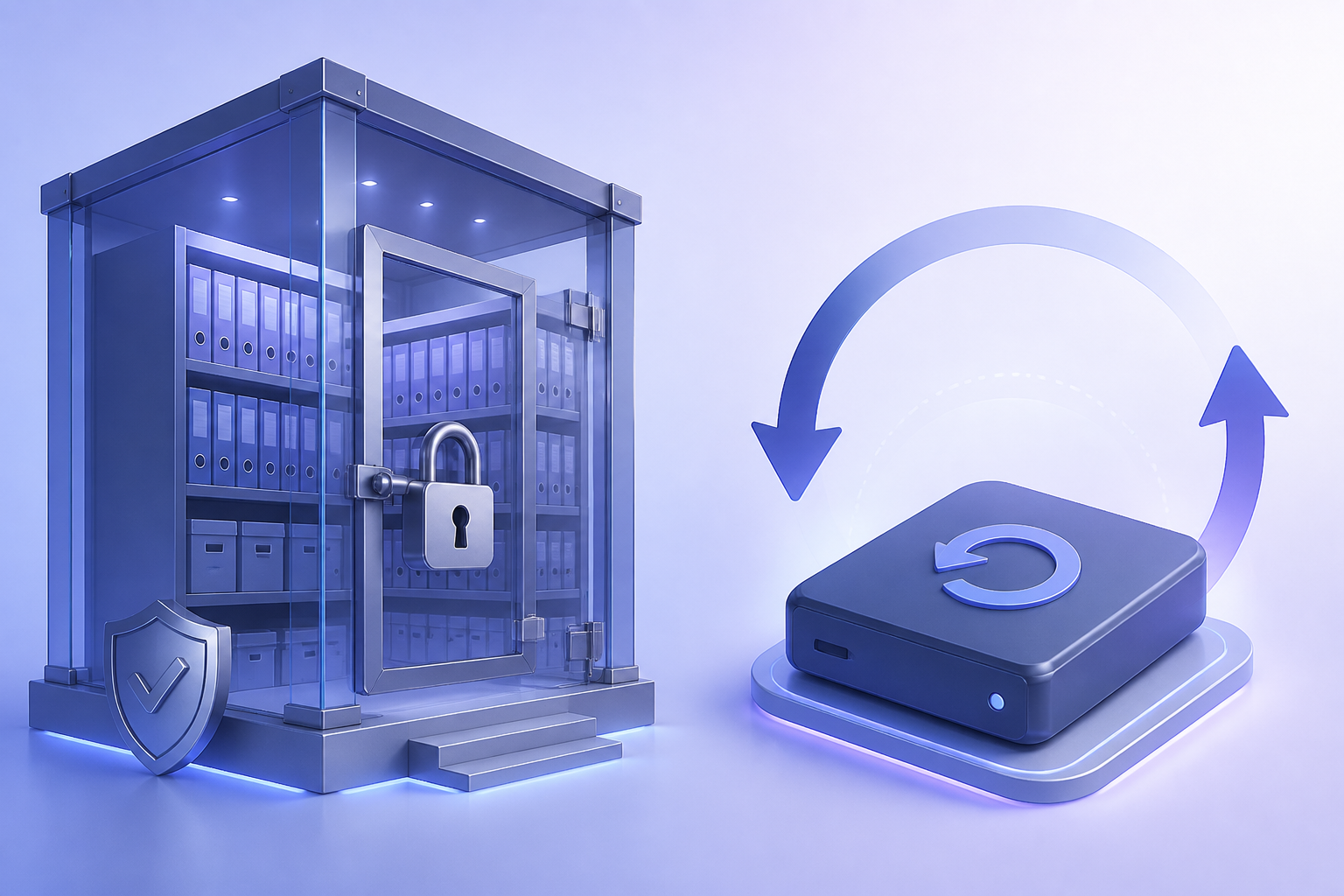
- Vault is built for retention, holds, and search — not day-to-day operational restore.
- Legal holds can preserve data you still cannot put back into a user’s mailbox quickly.
- Ransomware, admin error, and offboarding still need a copy outside Google’s primary services.
- If your RTO is “this afternoon,” Vault exports are usually the wrong tool.
Two products, two questions
Google Vault helps organizations retain, hold, search, and export Workspace data for investigations and compliance. Backup is an independent copy you can restore into production — or onto disk you control — when something goes wrong operationally.
Teams that treat Vault as “our backup” often discover the gap during an urgent restore: exports are slow, scoped for legal process, and not designed as a nightly incremental job.
What Vault does well
Try Gmail Backup
Preserve labels, folders, and mail history with enterprise-grade Gmail backup.
Learn more- Retention rules so mail and files are not silently dropped after a user empties Trash
- Legal holds that freeze data for a matter
- Search across custodians for eDiscovery
- Defensible export for counsel
Those capabilities matter. They are not the same as a browsable Gmail label restore or a Drive folder put back in place.
Where Vault is a weak backup
- Speed: eDiscovery export is not a 15-minute IT restore
- Format: legal packages are not always a clean “put this mailbox back”
- Blast radius: if the Workspace tenant is the only copy, account compromise can still hurt you
- Skills: Vault operators and backup operators are often different people with different SLAs
A simple decision test
Write your recovery objective in one sentence. Examples:
- “Restore one user’s Gmail from Tuesday” — that is backup
- “Produce all mail mentioning Project Orion for 2024” — that is Vault / eDiscovery
- “Survive a mistaken Shared Drive purge” — backup (and maybe Vault, if retention still holds it)
Most organizations need both sentences to be true. Buy tools for both sentences.
Practical architecture
- Keep Vault for legal and HR-driven retention
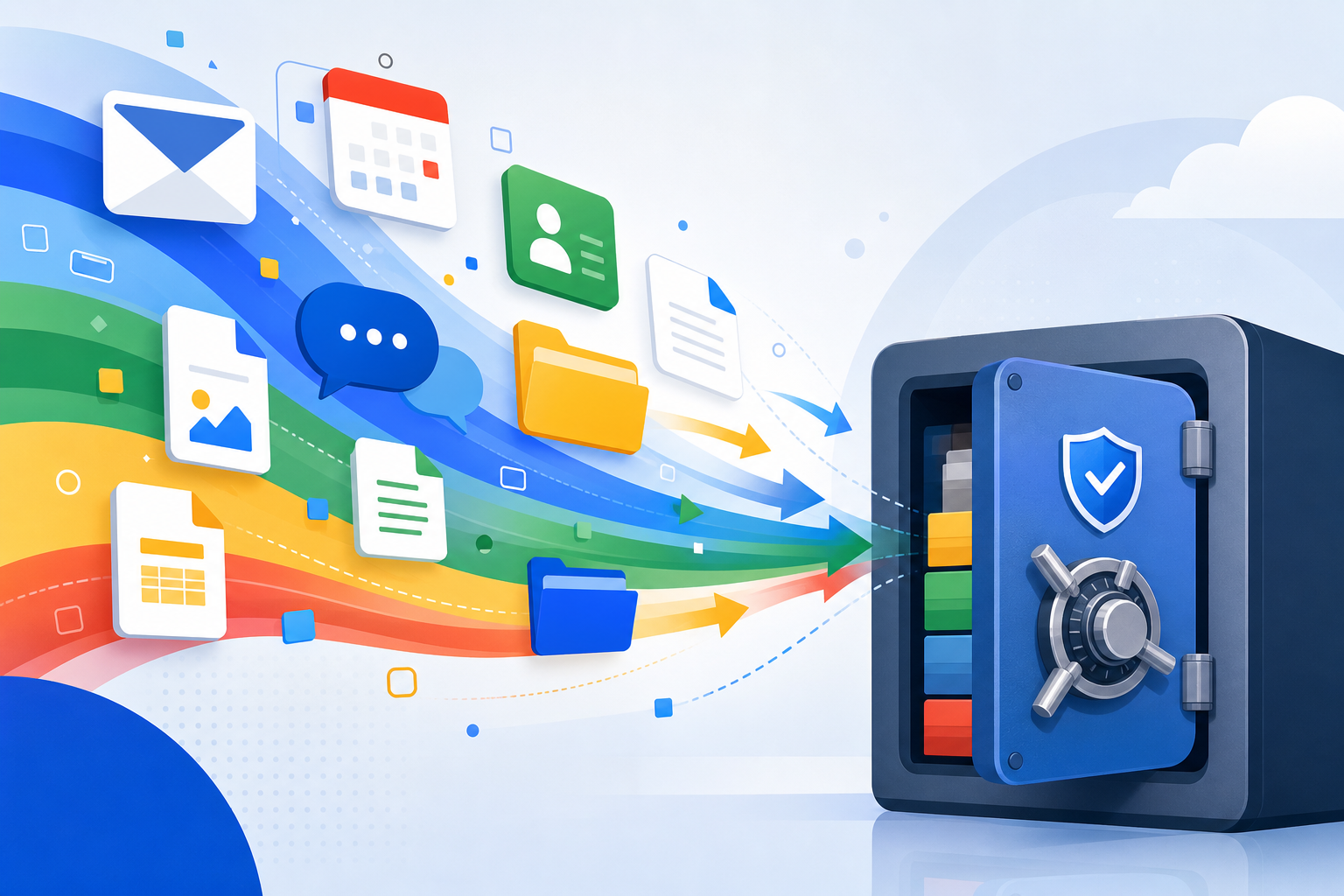
- Run independent backup for Gmail, Drive, Calendar, and Contacts
- Store that copy on infrastructure you control (disk, NAS, or a vault that is not the same Google tenant)
- Drill a restore quarterly that does not go through the legal export path
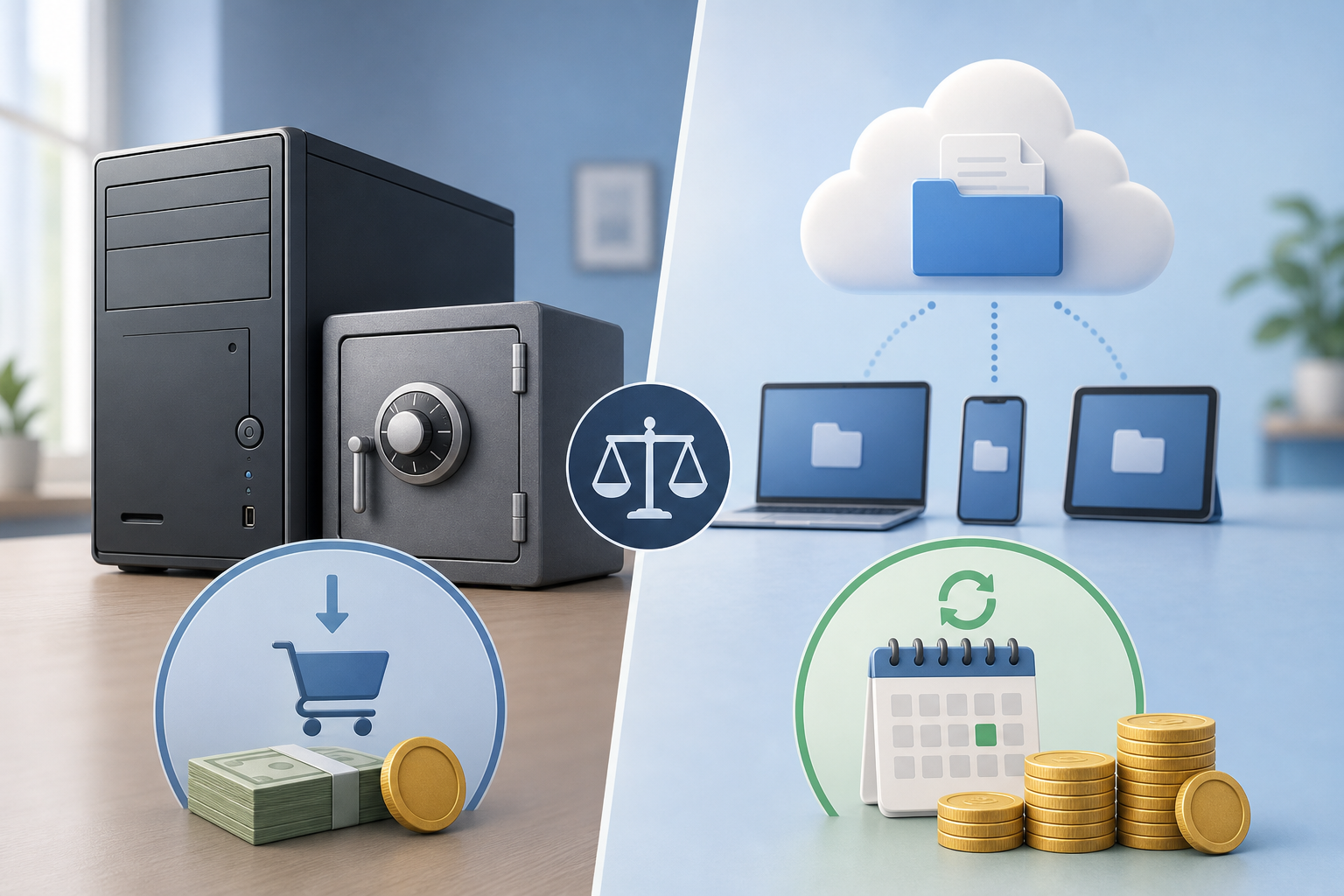
For cost and ownership trade-offs, see local licenses versus monthly SaaS vaults. For product options, start with Google Workspace Backup.
Recommended next step
Explore Google Workspace Backup
Domain-wide Gmail, Drive, Calendar & Contacts backup — plans from $19.