SaaS Google Backup Alternatives for Small Workspaces
Tired of per-user monthly fees for Google backup? See how small Workspace teams build solid protection with local tools, smart retention, and clear restore drills.

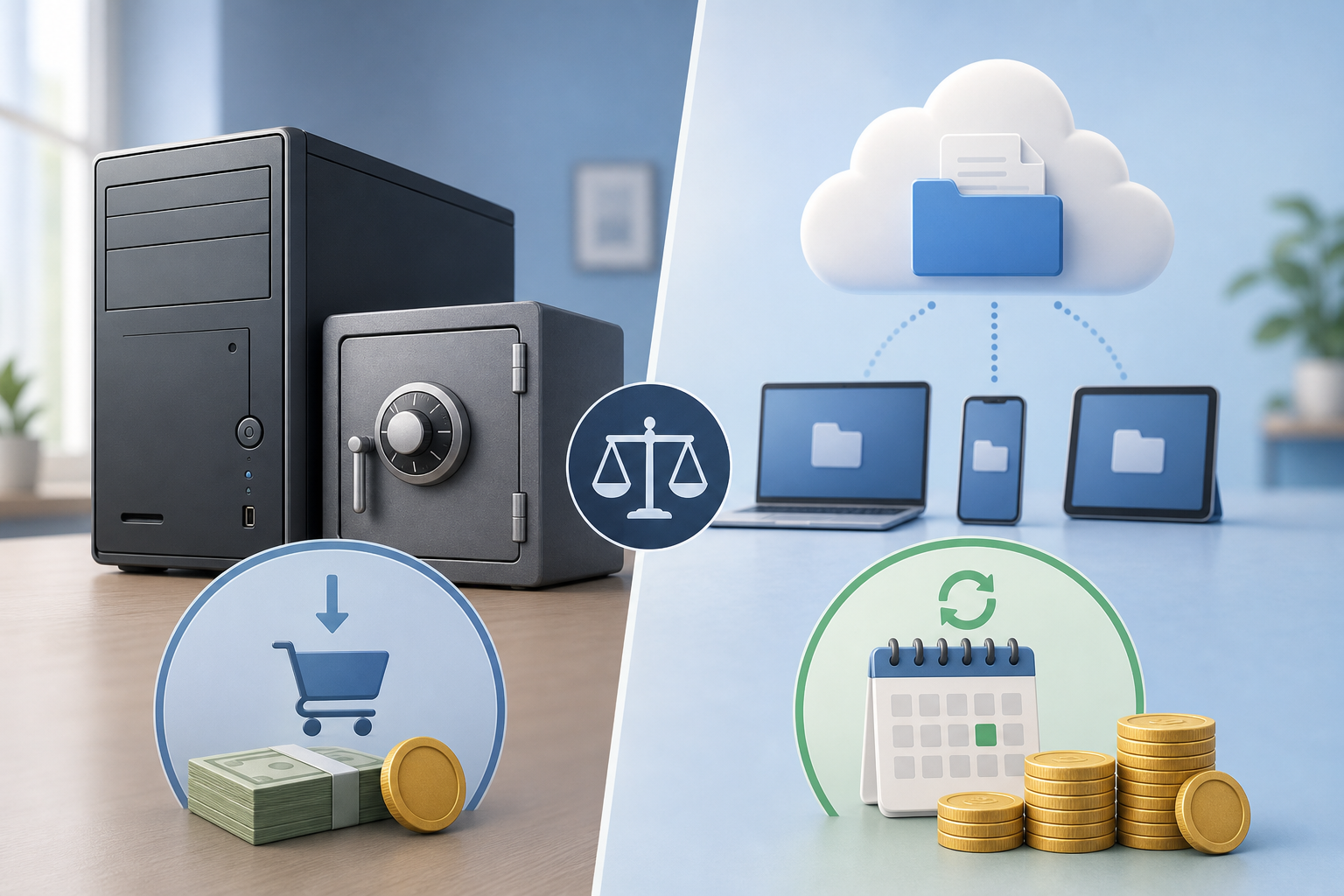
- Per-user vault fees punish small teams that already pay for Workspace seats.
- Alternatives include local backup software, disciplined Takeout + storage, and hybrid offsite copies.
- Write a one-page backup policy: scope, schedule, owner, restore test date.
The quiet budget problem
Many small Workspace customers discover backup pricing only after a scare: a deleted Shared Drive, a compromised account, or a ransomware note on a synced laptop. The default market answer — another per-user monthly vault — can rival the cost of Workspace itself over a few years.
What “alternative” should mean
Download Google Drive Backup — Free
Local Google Drive backup for Windows. No subscription required.
Learn moreAn alternative is not “hope Google keeps everything forever.” It is a deliberate design:
- Independent copy outside the primary Google tenant
- Known RPO/RTO your team can actually meet
- Cost that matches SMB reality
Practical alternatives to perpetual SaaS vault seats
1. Local Google Workspace backup software
Install on a hardened Windows admin machine or server, authorize the domain, and write to storage you control. Best balance of automation and cost for most SMBs.
2. Free Drive backup + paid mail backup
If Drive is the crown jewel and mail is smaller, combine a free Drive tool with targeted Gmail backup. Keep the policy in writing so nothing falls through cracks.
3. Hybrid: local primary, cold offsite secondary
Nightly local backup, weekly encrypted copy to an offsite disk or object storage you own. You get speed and disaster separation without renting a full vault UI.
4. Takeout as a compliance archive only
Keep Takeout for yearly legal archives — not as your only restore path.
One-page policy template
- Scope: Gmail / Drive / Calendar / Contacts / Shared Drives
- Schedule: e.g. nightly incremental, weekly full verification
- Owner: named admin + backup
- Storage: path, encryption, retention days
- Restore drill: next test date
Bottom line
Small workspaces do not need enterprise vault pricing to be safe. They need independence, automation, and a restore they have rehearsed. Explore Google Workspace Backup or start with free Google Drive Backup if files are your immediate risk.
Recommended next step
Explore Google Workspace Backup
Domain-wide Gmail, Drive, Calendar & Contacts backup — plans from $19.
Frequently asked questions
Related articles
Get the IT backup checklist
A one-page policy template for Gmail, Drive, Calendar, and Microsoft 365 — plus new guides when we publish. Questions? Email support@celerosoft.com.