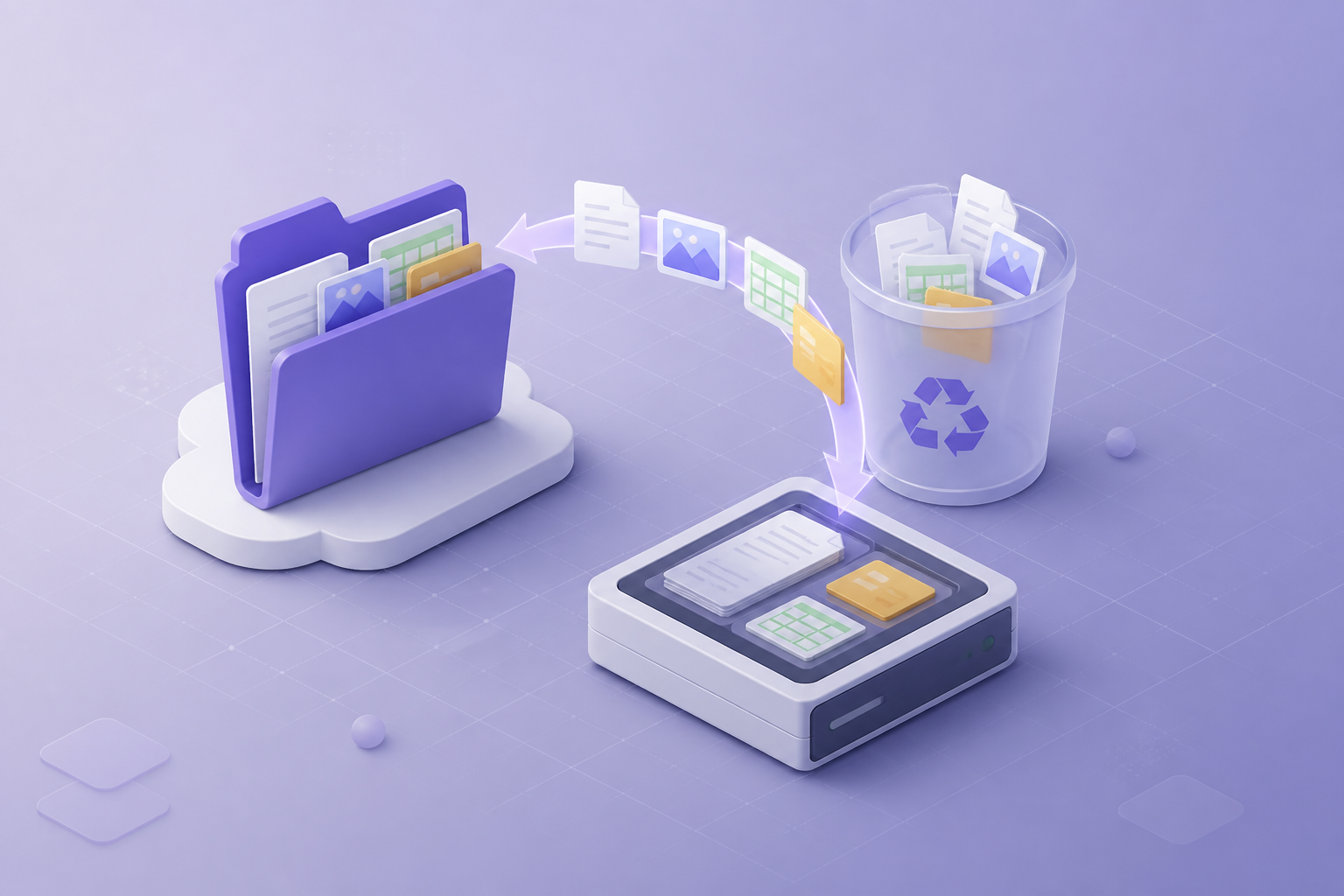
Ransomware and Cloud Accounts: Why a Local Copy Still Matters
Cloud uptime is not the same as recoverability. Learn how account takeover, synced endpoints, and encrypted laptops still require an independent backup you can restore offline.

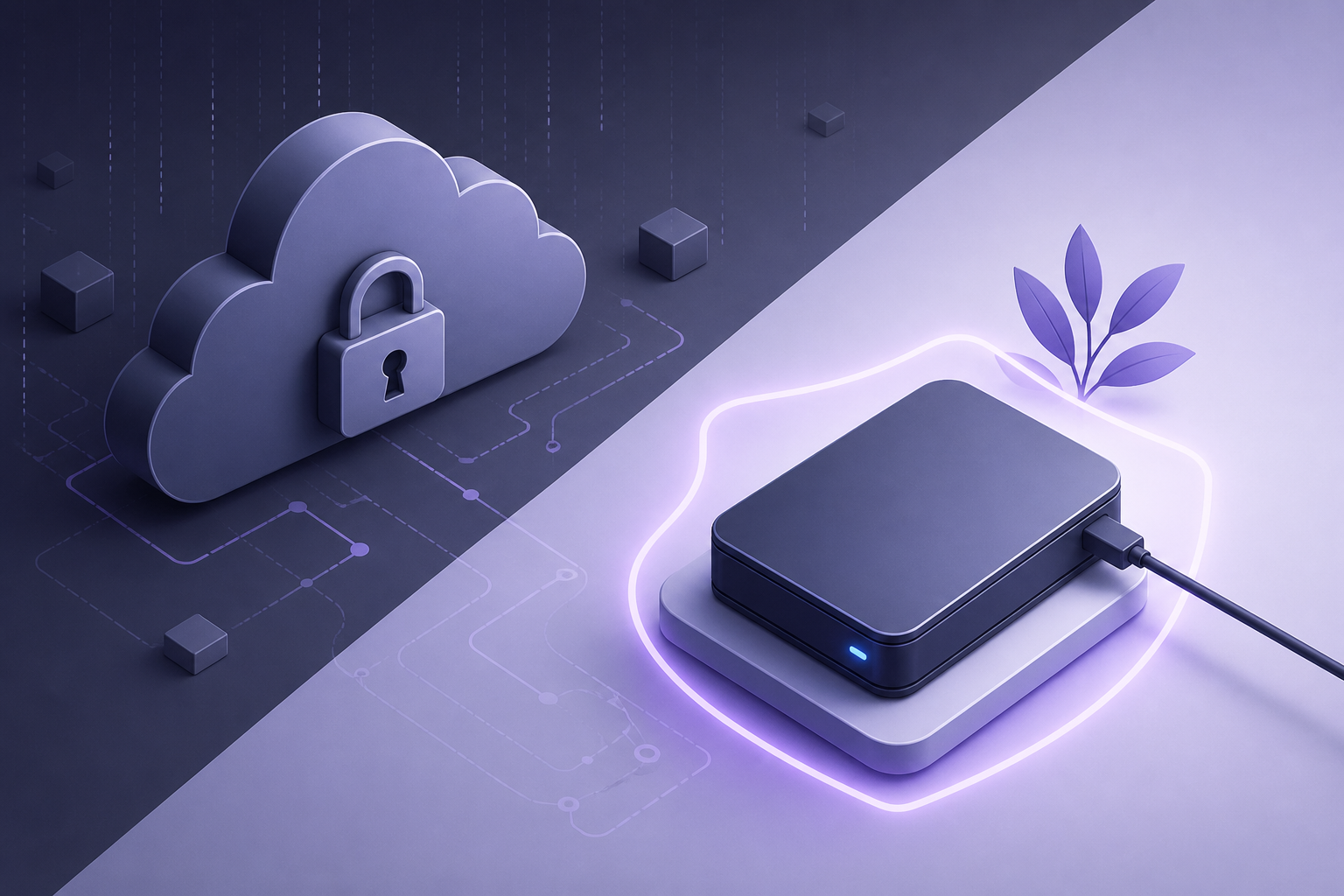
- Ransomware often hits the PC that is also syncing Drive or OneDrive — cloud copies can be encrypted too.
- MFA reduces account takeover; it does not replace a restore drill.
- Offline or immutable copies beat “we have it in the cloud” as a recovery plan.
- Test restores to a disconnected disk so you know the copy is not just another synced folder.
The misconception
Many small teams assume that because mail and files live in Google or Microsoft 365, ransomware is “an on-prem problem.” In practice, the encrypted laptop is often the same machine running Drive for desktop or OneDrive. Sync then pushes ciphertext — or mass deletes — into the cloud.
How cloud accounts get involved
See Office 365 Email Backup
Reliable mailbox backup and recovery for Microsoft 365 environments.
Learn more- Endpoint malware encrypts synced folders
- Stolen session tokens let an attacker empty Drive or mail
- A compromised admin resets retention and empties Trash
- Users “clean up” during panic and destroy version history
What actually helps
- MFA and Conditional Access — shrink takeover
- Least privilege on Shared Drives / SharePoint — shrink blast radius
- Independent backup — a copy that is not the live sync tree
- Restore drills — prove you can work from the copy
Local does not mean careless
A USB disk in a desk drawer is better than nothing and worse than a snapshot-capable NAS. Encrypt the volume. Restrict who can write. Keep one copy offline on a schedule (weekly is a start for SMBs).
Product-shaped starting points
File-centric Windows users can begin with free Google Drive Backup. Mail-centric Microsoft shops should add Office 365 Email Backup. Workspace tenants that need Gmail plus Drive should evaluate Google Workspace Backup. Pair any tool with the restore habit — not just the install.
Recommended next step
Download Google Drive Backup — Free
Local Google Drive backup for Windows. No subscription required.