When Native Cloud Recovery Is Already Over
What is still possible after Trash, Recycle Bin, Recoverable Items, and deleted-user windows expire — and what is genuinely gone without an independent copy.

- Expired native windows mean the vendor will not reconstruct the item for you on a helpdesk ticket.
- Compliance tools may still hold content if a hold was on before the delete — that is luck plus prior policy, not a restore button.
- Takeout and eDiscovery exports cannot include what the platform already dropped.
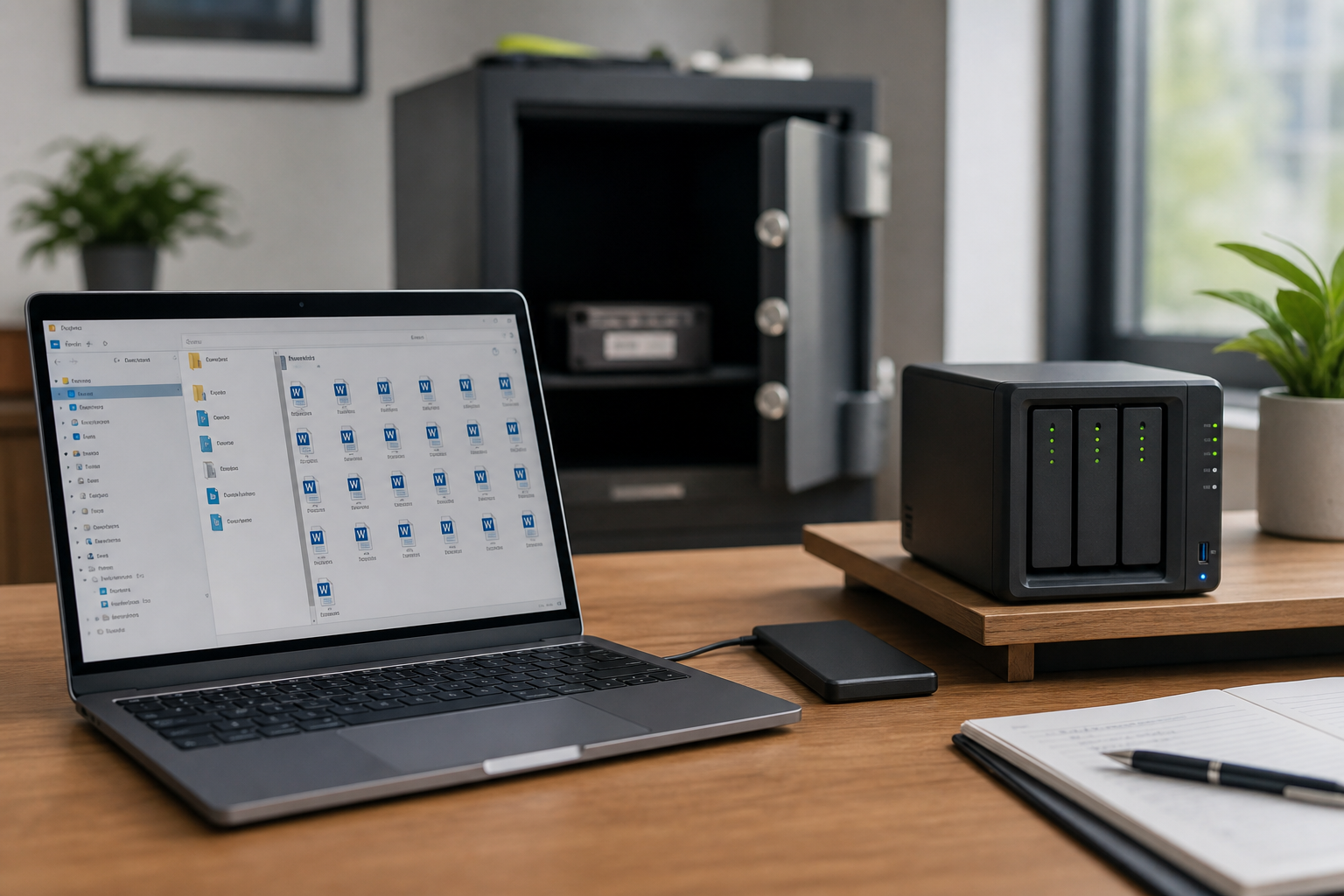
- Independent copies and versioned NAS snapshots are the only remaining technical path.
The conversation nobody wants
Trash emptied. Recycle Bin aged out. Deleted user purged. A manager asks, “Can’t we just restore it?” This article is about answering honestly and still doing the last useful work.
Confirm expiry; do not assume it
Before you declare loss, re-check every native pocket:
- User Trash / first-stage Recycle Bin
- Shared Drive trash / second-stage Recycle Bin
- Recover Deleted Items / Recoverable Items
- Deleted users (Microsoft 365 and Google)
- eDiscovery or Vault search for the exact subject/filename
People skip second-stage Recycle Bin constantly. Five extra minutes here is cheaper than a week of grief.
What might still exist anyway
| Source | When it helps | When it does not |
|---|---|---|
| Litigation / eDiscovery hold | Hold was active before delete | Hold never applied to that mailbox or site |
| Google Vault | Retention rule covered the item | Vault was never licensed or rules excluded Drive |
| Another user’s copy or email attachment | File was shared or mailed | Unique object that never left the owner’s drive |
| Laptop cache / local PST / offline Outlook | Machine not wiped | Files On-Demand never hydrated; disk already cleaned |
| Independent backup / NAS snapshot | Job succeeded before the incident | Backup was the same sync folder |
What is gone
If no hold, no second copy, and no cache, the bits are gone. Vendor replicas of the live tenant already dropped the object. Ordering Takeout now will not include it. A content search that returns zero is an answer, not a failure of the search UI.
Say that plainly to the business. Then offer reconstruction: recreate the document from attachments in other mailboxes, ask partners for their copy, or rebuild from screenshots. That is recovery in the human sense, not undelete.
How to keep this from being the last chapter
Native windows are a gift for the first days. They are not a retention strategy. Pair them with a copy you control and a drill that proves restore. The 3-2-1 rule is the design; the 90-minute drill is the proof.
Related reading
If you are still inside the first hour, go back to the mass-delete playbook. For vocabulary, see backup vs archive vs legal hold vs DR.